
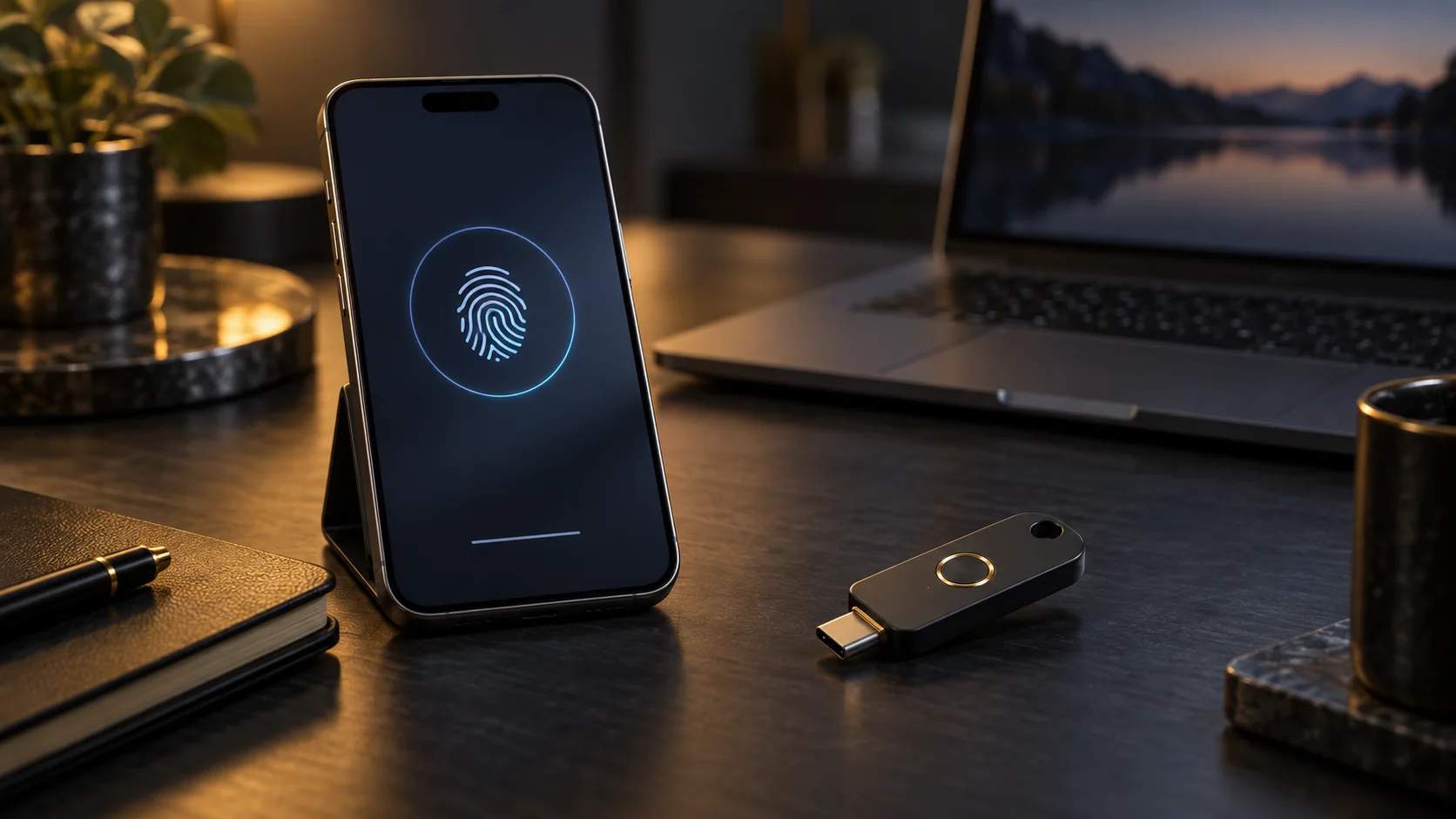
Passkeys vs hardware security keys: which protects your accounts better?
A source-based comparison of synced passkeys, device-bound passkeys, and FIDO hardware keys, with a practical setup for email, banking, work, and recovery.
Security and resilience editorial team · Source-reviewed guidance based on current standards and public-agency publications
Quick answer
Both passkeys and hardware security keys can provide phishing-resistant sign-in when implemented with FIDO/WebAuthn. Synced passkeys are usually the easiest everyday option; a separate hardware key gives stronger physical separation and predictable recovery. For high-value accounts, use passkeys for convenience, register two hardware keys for resilience, and keep one backup offline.
Key takeaways
- SMS codes and manually entered one-time passwords are not phishing-resistant, while properly implemented WebAuthn credentials bind authentication to the real service domain.
- Synced passkeys prioritize convenience and multi-device recovery; device-bound credentials and roaming hardware keys prioritize control over where the private key resides.
- For a primary email, password manager, finance, or administrator account, register at least two independent authenticators and test recovery before an emergency.
- A security key is not a universal replacement for account recovery: provider-specific policies, backup codes, and identity checks still need a deliberate plan.
What is the difference between a passkey and a hardware security key?
A passkey is a FIDO credential that may be synced between your devices or kept on one device. A hardware security key is a separate roaming authenticator, normally connected by USB or NFC. Both can use public-key cryptography and protect the private key from being shared with the website.
With FIDO authentication, the service stores a public key and the authenticator keeps the private key. Sign-in proves possession of that private key without sending it to the service. This changes the attack surface: there is no reusable password secret for a fake login page to collect and replay.
The important distinction is not simply “passkey versus key.” FIDO describes both synced and device-bound passkeys. A phone or laptop may hold a device-bound credential, while a dedicated hardware key is a portable physical authenticator. The best choice depends on recovery, device management, and the value of the account.
- • Synced passkey: convenient across an account ecosystem and usually easier to recover on a replacement device.
- • Device-bound passkey: the credential remains tied to one device and must be enrolled separately elsewhere.
- • Hardware security key: a separate roaming authenticator that can be registered with multiple compatible services.
Sources for this section: NIST: Digital Identity Guidelines: Authentication and Authenticator Management, FIDO Alliance: Passkeys, FIDO Alliance: Deploying Passkeys in the Enterprise: Introduction
Are passkeys and security keys really phishing-resistant?
They can be. NIST explains that WebAuthn provides verifier-name binding: the credential is cryptographically bound to the legitimate domain, so a look-alike site cannot use it for authentication. CISA identifies FIDO/WebAuthn as the widely available phishing-resistant approach and ranks security keys above weaker MFA methods.
A convincing phishing page can capture a password and a manually entered SMS or app code, then relay both to the real service. NIST explicitly states that authentication methods relying on manual entry of an authenticator output, including OTP, are not phishing-resistant because the output is not bound to a specific session or domain.
WebAuthn changes that relationship. The browser and authenticator evaluate the relying party domain before approving the cryptographic challenge. This does not make an account immune to malware, malicious recovery flows, session theft, or user-approved account changes, but it removes a common path based on stealing reusable credentials.
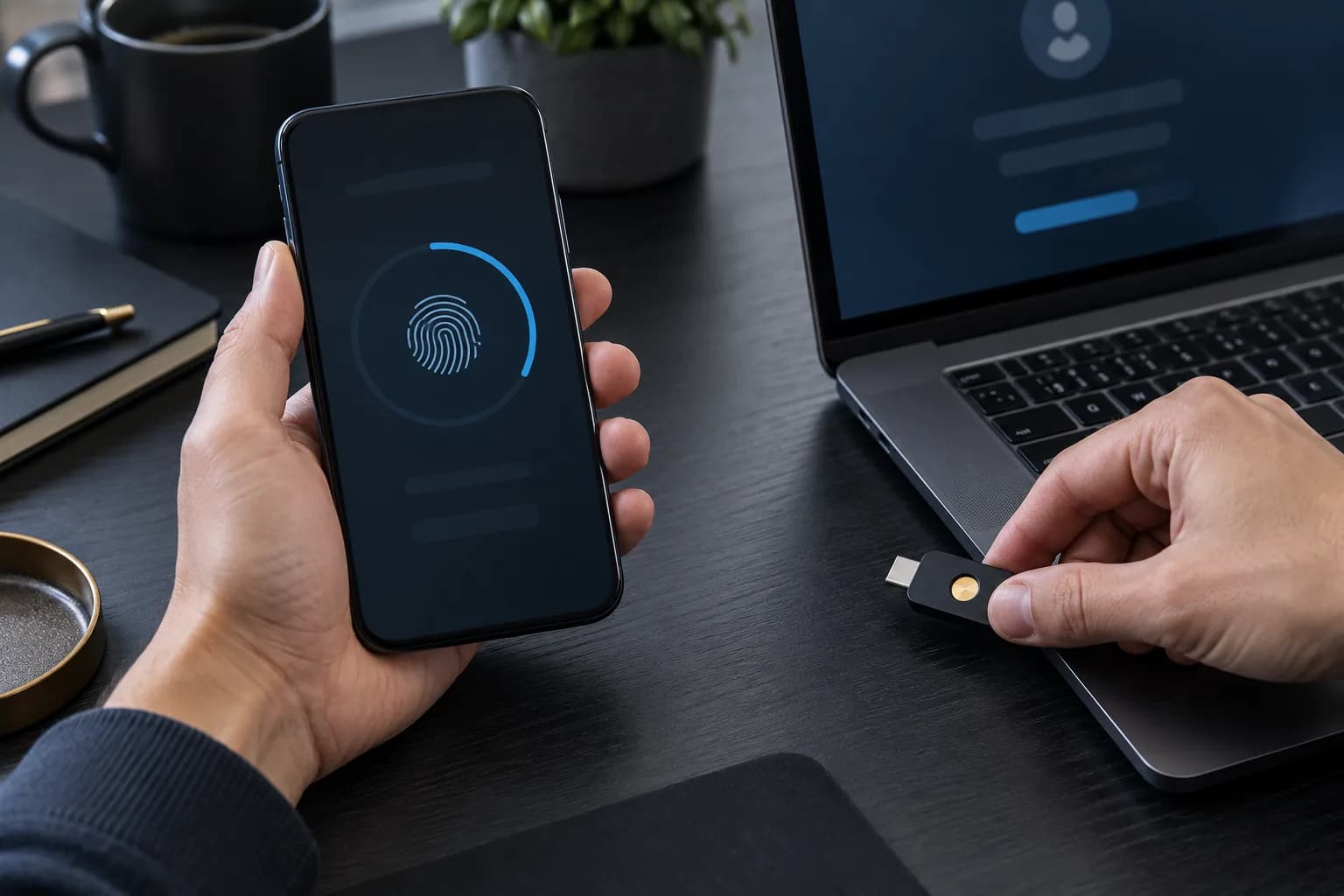
| Method | Phishing resistance | Main operational risk |
|---|---|---|
| SMS or email code | No | Code interception, relay, SIM or mailbox compromise |
| Authenticator-app OTP | No | Real-time phishing relay and recovery mistakes |
| Synced passkey | Yes, with WebAuthn | Ecosystem account recovery and device-account compromise |
| Hardware FIDO key | Yes, with WebAuthn | Loss without a second authenticator or recovery plan |
Sources for this section: NIST: Digital Identity Guidelines: Authentication and Authenticator Management, CISA: Require Multifactor Authentication, CISA: Implementing Phishing-Resistant MFA
Which option should you use for email, banking, and work accounts?
Use the strongest option each service supports, but avoid a single point of failure. A synced passkey is a strong default for frequent personal sign-in. For the email account that resets everything else, a password manager, financial access, and privileged work accounts, add two separately stored hardware keys when the provider permits it.
CISA places security keys at the top of its MFA hierarchy and describes security keys or FIDO credentials as the preferred phishing-resistant choice. Its mobile communications guidance calls hardware FIDO keys the most effective option and treats passkeys as an acceptable alternative. That supports a layered decision rather than a false winner-takes-all choice.
For a low-friction household setup, enable passkeys on supported devices, protect the platform account with its own strong recovery controls, and record where each credential is enrolled. For a business, combine authenticator policy with managed devices, offboarding, inventory, and an administrator-controlled recovery path.
- • Primary email and password manager: two hardware keys plus a tested, protected recovery method.
- • Daily consumer accounts: synced passkeys where supported, with strong protection on the sync ecosystem account.
- • Privileged work access: organization-approved phishing-resistant authenticators, managed enrollment, and documented offboarding.
- • Shared household resilience: never share one credential; enroll separate authenticators for each authorized person.
Sources for this section: CISA: Require Multifactor Authentication, CISA: Mobile Communications Best Practice Guidance, NIST: Digital Identity Guidelines: Authentication and Authenticator Management
A safe five-step rollout and recovery plan
Start with the account that controls your other accounts—usually primary email—then enroll two independent phishing-resistant authenticators. Verify both in a private browser session, store the backup separately, protect recovery codes offline, and repeat for the password manager, finance, cloud storage, and administrator accounts.
Do not remove an existing recovery route until the new authenticators have been tested. Sign out, use a private browser window, and confirm that each key or passkey works on the devices and browsers you actually use. Then review the provider’s recovery process; recovery that falls back to weak email or SMS can undermine the stronger sign-in method.
Keep an inventory containing only what you need: service name, authenticator label, enrollment date, backup location, and last recovery test. Do not record PINs or recovery secrets beside the device. Recheck important accounts after replacing a phone, changing staff, losing a key, or receiving an unexpected recovery notification.

- • Harden primary email first because it commonly controls password resets for other services.
- • Register two authenticators before relying on the first one; store the backup in a separate secure place.
- • Generate and protect provider recovery codes, then verify that you can identify and revoke a lost authenticator.
- • Repeat the process for your password manager, financial accounts, cloud storage, and administrative access.
- • Review enrollment and recovery twice a year and immediately after a lost device or personnel change.
Sources for this section: CISA: Implementing Phishing-Resistant MFA, NIST: Digital Identity Guidelines: Authentication and Authenticator Management, FIDO Alliance: Deploying Passkeys in the Enterprise: Introduction
FAQ
Can a passkey be phished?
A correctly implemented WebAuthn passkey is resistant to conventional credential phishing because authentication is cryptographically bound to the legitimate service domain. That does not prevent malware, session theft, abusive recovery workflows, or a user authorizing a harmful account change, so endpoint and recovery security still matter.
What happens if I lose my hardware security key?
Use a second authenticator or the provider’s recovery process, then revoke the lost key in account settings. This is why a high-value account should have two separately stored authenticators and protected recovery codes before the primary key becomes the only convenient sign-in route.
Should I disable passwords after adding a passkey?
Only if the service supports a well-designed passwordless mode and you have tested every recovery path. If a password remains enabled, keep it unique and strong because attackers may still target that fallback even when your normal sign-in uses a phishing-resistant passkey.
Are SMS codes better than no MFA?
Yes, an additional factor can reduce some account-takeover risk, but NIST does not treat manually entered OTP methods as phishing-resistant and CISA ranks SMS or email codes below app-based and FIDO methods. Move important accounts to FIDO/WebAuthn when the provider offers it.
Methodology and sources
This guide compares the final NIST SP 800-63B-4 authentication requirements with current CISA implementation guidance and FIDO Alliance descriptions of passkeys. We prioritized primary standards and public-agency publications, mapped each factual section to its sources, and checked the cited pages on 2026-10-04. We did not perform a laboratory attack test or rank individual key brands.
- NIST: Digital Identity Guidelines: Authentication and Authenticator Management · accessed 2026-10-04
- CISA: Require Multifactor Authentication · accessed 2026-10-04
- CISA: Implementing Phishing-Resistant MFA · accessed 2026-10-04
- CISA: Mobile Communications Best Practice Guidance · accessed 2026-10-04
- FIDO Alliance: Passkeys · accessed 2026-10-04
- FIDO Alliance: Deploying Passkeys in the Enterprise: Introduction · accessed 2026-10-04